Start with the situation at the table
Two people sharing one phone can mean simultaneous play, taking turns, passing the device, or playing separate halves of an open screen. Those modes ask different things of the layout. Decide first whether you want quick reactions, hidden information or a board you can both see.
A foldable can help organize that space, but its shape does not automatically make any game a two-player game. Our catalog includes source-based support information; always confirm the actual multiplayer mode in the current store listing.
Pass-and-play: think about what the other person can see
In a naval game or card game, hidden information can be part of the rules. A pass-and-play mode may show a transition screen or ask players to hand over the phone. Do not assume that a hinge between two halves prevents the other player seeing your board.
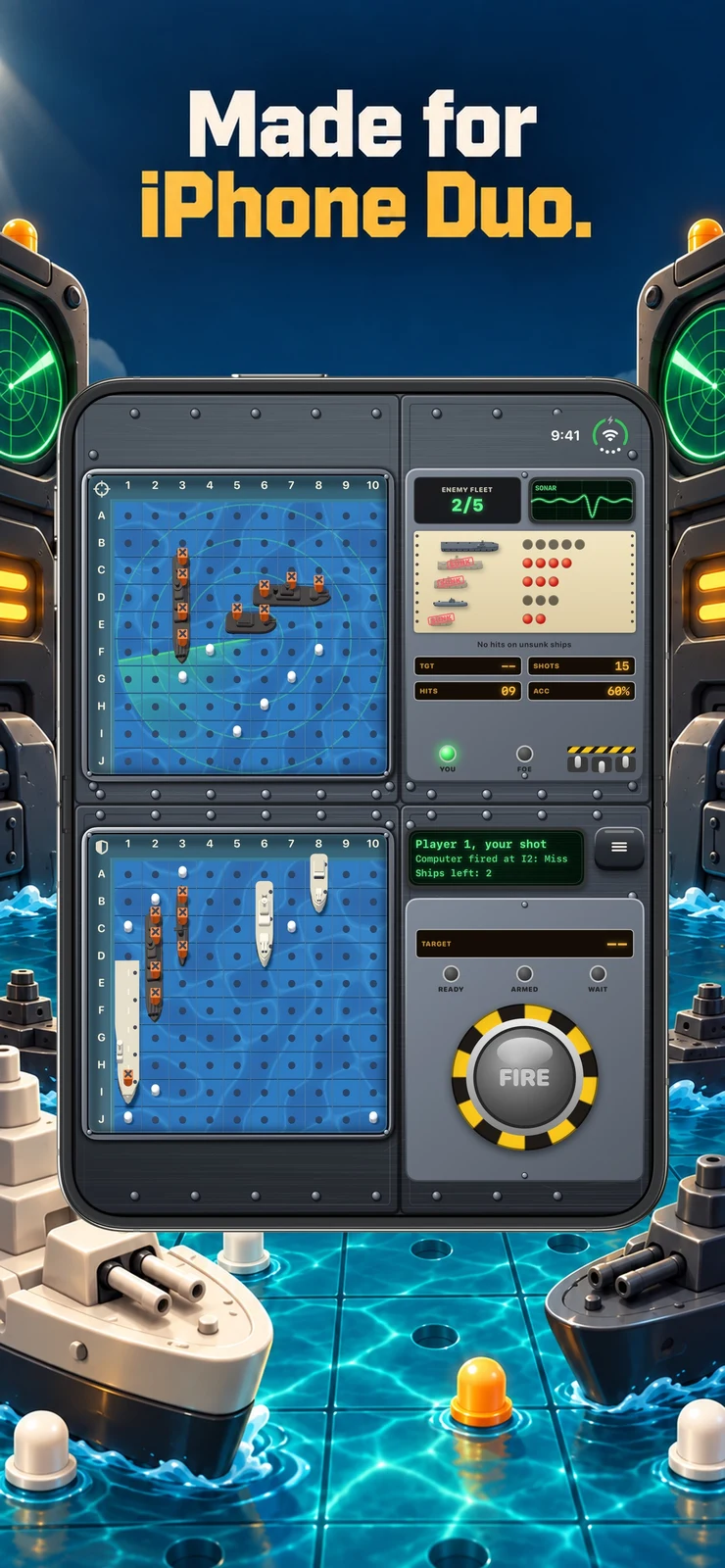
FleetFold’s current store artwork includes a pass-the-phone panel alongside its Duo-specific layout. That makes it a useful candidate to investigate, while the exact rules and current opponent options should still be checked in the listing.
A collection can make choosing easier
For two people with different tastes, a collection of short games can be more useful than a single specialized title. Look for explicit language about local players on one device, and check whether the free download includes the modes you want.
Halves: Games for Two and Tapete: 2 Player Board Games are examples in the shared catalog. Read their current descriptions rather than inferring multiplayer support from a screenshot with a divided screen.
Use a developer video to inspect the setup
The Battlefleet Duo teaser is one example of a developer showing how a game is presented. Video can help explain the intended screen arrangement more quickly than a paragraph. It does not, on its own, establish that a particular mode works without a network connection or another purchase.
Before a shared session, check player count, whether each player needs a device, whether a connection is required, and whether one person can see private information. Those four questions prevent most mismatches between an attractive screenshot and the game you intended to play.
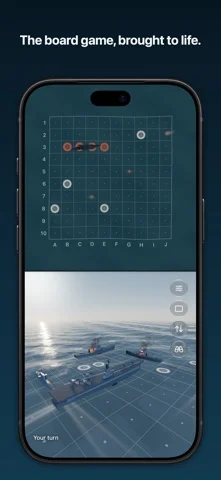
Battlefleet Duo - Teaser | iPhone Duo Games · Watch on YouTube ↗
Keep the first session short
Try a single round together before settling into a longer match. Make sure both people can reach the controls and see what they need. If the game uses the fold as an input, agree who holds or moves the device.
For a tabletop setup, use a stable surface and follow normal device handling. The best local game is often the one both players understand immediately, not the one with the longest feature list.
Sources & disclosure
This article uses developer descriptions and store artwork. It is not our hands-on review. Embedded trailers and demos are credited to their creators; prices and features can change.