A half-open phone can do more than hold itself up
Tabletop mode is most useful when the two parts of the display have distinct jobs. A board can sit above your controls, your private cards can occupy a different area from the shared table, or two grids can remain visible without competing for space.
That does not mean every game with a divided layout is multiplayer. Layout, opponent modes and privacy are separate features. Before planning an evening with a friend, look for an explicit local two-player or pass-and-play mode in the developer’s current listing.
FleetFold: separate the fleet from the target
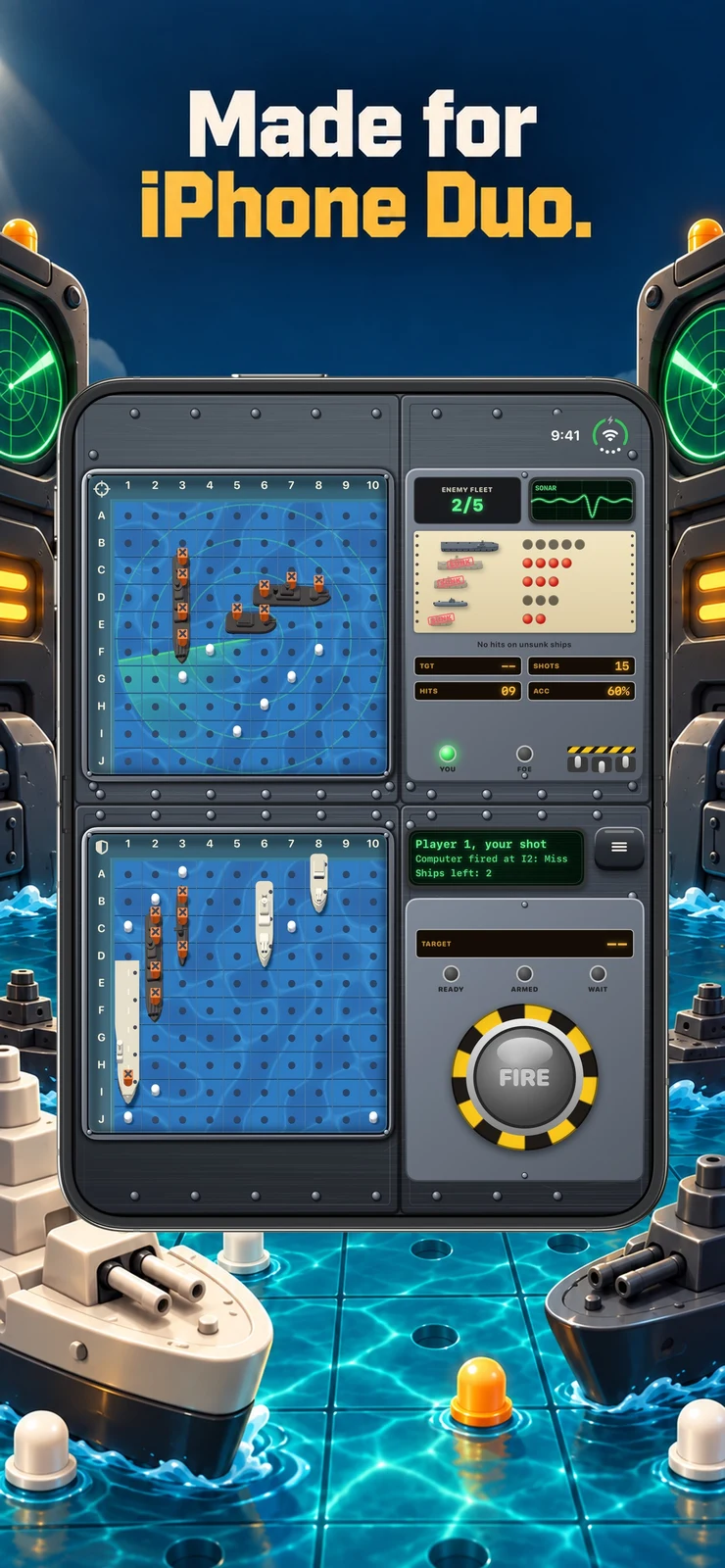
FleetFold’s Duo-specific store panel makes its intended arrangement clear: the naval grids are given distinct spaces. That is useful when you want to inspect your own placement while planning a shot at the other side.
A layout like this is worth considering for deliberate play on a stable surface. Check the current listing for solo, pass-and-play and online options; the existence of two visible grids alone is not a promise of any particular opponent mode.
Battlefleet Duo: watch the presentation, then check the rules
Battlefleet Duo is another naval game discovered through indie-app collections. Its official teaser comes from Vision First Studio and is included below. It provides a useful visual introduction to the game’s presentation.
Compare the developer’s current App Store information before choosing between naval games. Store screenshots and a teaser can show an intended design, but they do not replace a check of the current version, purchase model or multiplayer requirements.
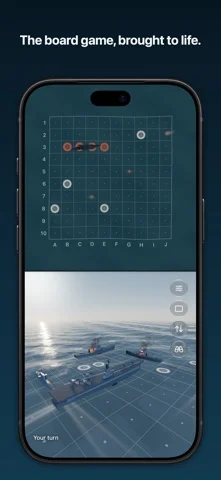
Battlefleet Duo - Teaser | iPhone Duo Games · Watch on YouTube ↗
Cards and collections: familiarity can be the advantage
Old Maid describes a table-and-hand arrangement on the half-open Duo and an AI opponent. Grand Table Duo offers a collection of card, board and tile games. They are sensible directions if you want familiar rules rather than a new motion-control language.
For a card game, look at readability and how much of your hand is visible. For a collection, check which individual games are included and whether each supports the mode you want. A larger count of games is less useful than two or three you will actually return to.
A quick setup checklist
Use a stable surface with enough space to reach the lower controls comfortably. Check that the interface remains legible at the angle you prefer. If two people are sharing a device, confirm who can see which information before starting.
When you are finished, use the game’s save or exit controls where available. Closing the phone and ending a game are not necessarily the same action. That small check is especially useful in games whose rules already treat the hinge as an input.
Sources & disclosure
This article uses developer descriptions and store artwork. It is not our hands-on review. Embedded trailers and demos are credited to their creators; prices and features can change.